Using Steam Desktop Authenticator with Bitwarden (Don't do this though)
Disclaimer: Using this method is a bad idea, because it COMPLETELY DEFEATS THE PURPOSE of two-factor authentication! If your password vault is compromised, both the login–password pair pair and the TOTP secret are compromised!
This guide will help you configure Steam Authenticator into your favorite Bitwarden password manager or any other manager you like to use, if it supports Steam TOTP. For example AndOTP (this project was abandoned, but I used it, when KeePass was my main password manager)
Remove existing steam guard authenticator if configured
Using Mobile Application or Web UI:
Install Microsoft .NET Windows Desktop Runtime 8
You must install version 8 specifically
winget install Microsoft.DotNet.DesktopRuntime.8
Download Steam Desktop Authenticator
The project is abandoned, latest release was made in 2024, but it works for now (2025-12-19)
Make sure, you download the file exactly:
- From GitHub
- From user
Jessecar96 - From repository
SteamDesktopAuthenticator - File with name like
[SDA.1.0.15.zip](latest version on date this guide is written)
Run Application
If Microsoft .NET Windows Desktop Runtime 9.0 is not installed you will receive a message:
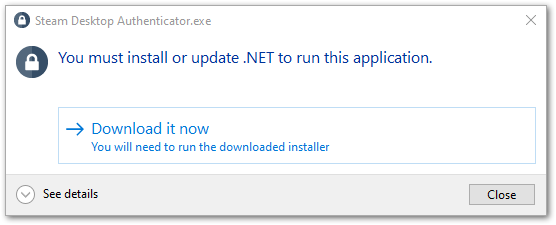
You can install .NET this way
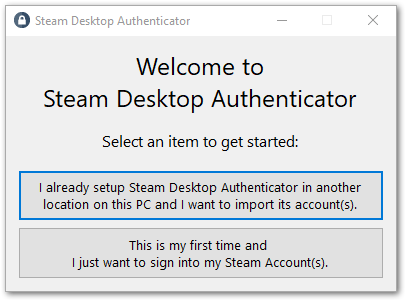
This is your first time, so select 2nd option.
This message is okay:
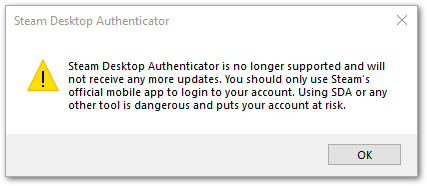
Configure new account in authenticator
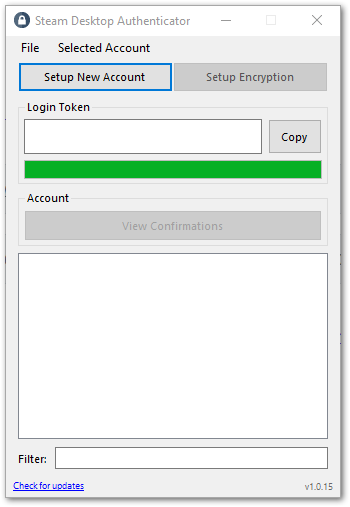
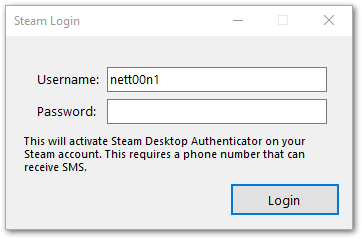
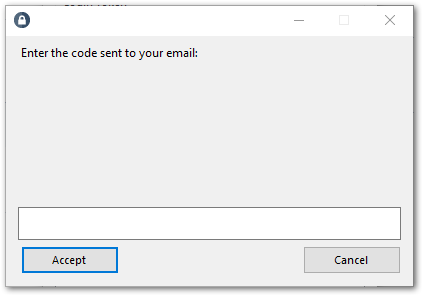
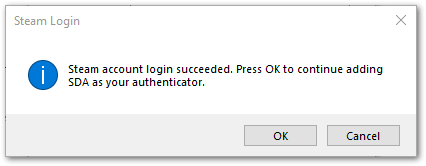
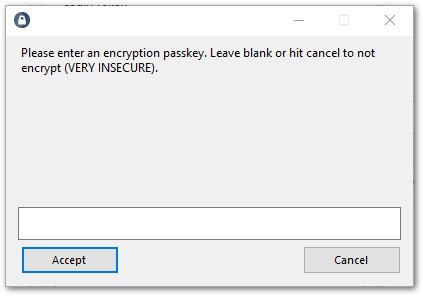
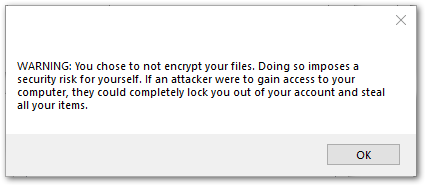
Write this code on paper!
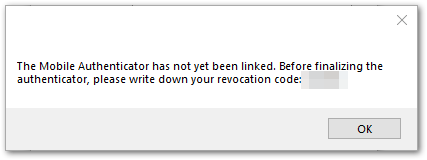
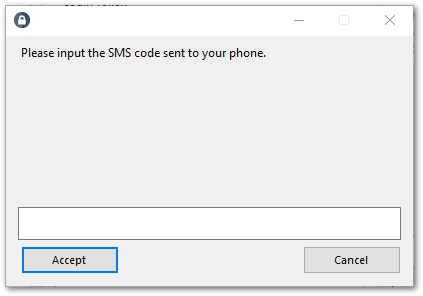
Enter the code you wrote on paper:
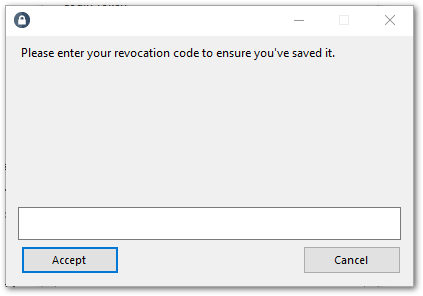
This is the same code you wrote on paper; hide it in your safe
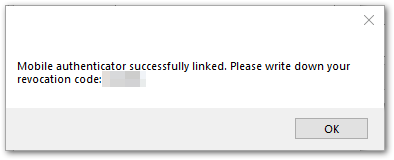
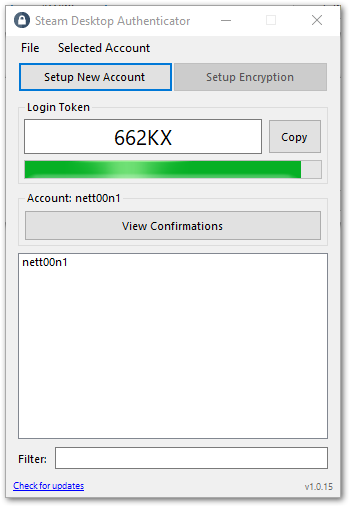
Configuration is complete:
Now get this folder, zip it with password and store according to 3-2-1 Backup Rule at your cloud storage, your most trustworthy friend’s NAS and a diskette in a trunk of a tree in the middle of nowhere
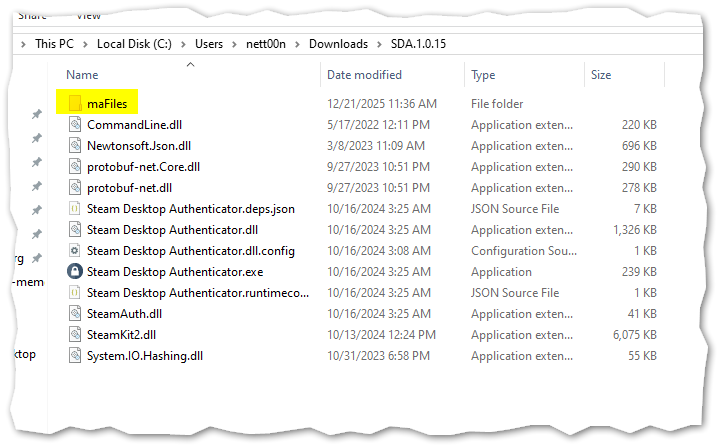
Extract secret for TOTP
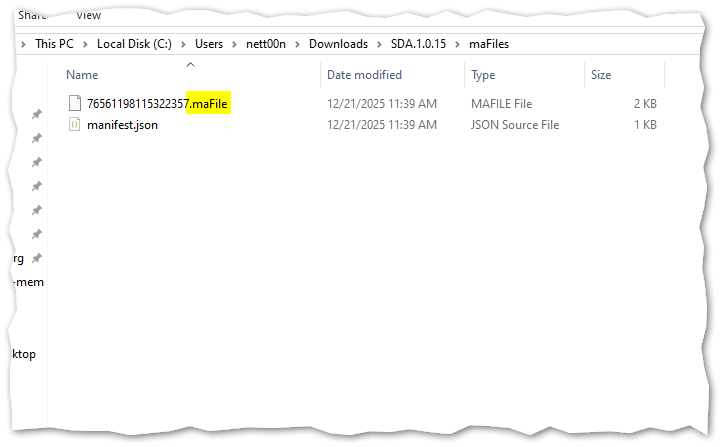
Open .maFile with your favorite text editor. It is a simple JSON file
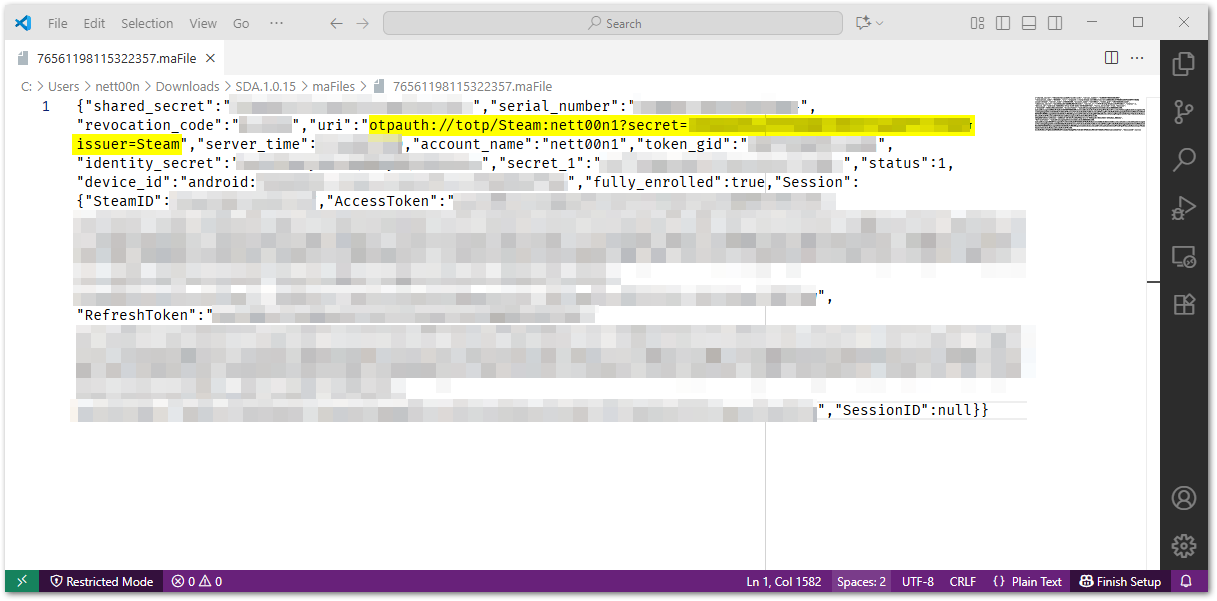
You need a “uri” field from it, like
"uri": "otpauth://totp/Steam:username?secret=QWERTYUIOPASDFGHJKLZXCVBNM123456&issuer=Steam":
Save TOTP secret in bitwarden
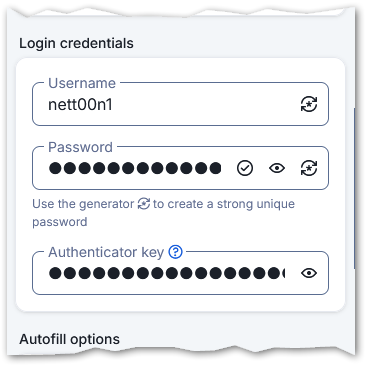
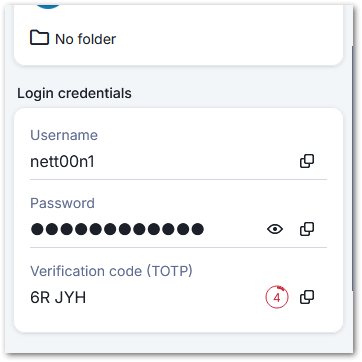
now in Bitwarden you need to add to TOTP field string formatted like this: steam://QWERTYUIOPASDFGHJKLZXCVBNM123456
For example this part
"uri": "otpauth://totp/Steam:username?secret=QWERTYUIOPASDFGHJKLZXCVBNM123456&issuer=Steam" converts to:
steam://QWERTYUIOPASDFGHJKLZXCVBNM123456
Sources:
- My very own comment on reddit
- This Guide